
For marketing teams
Keep marketing requests moving from idea to launch
Turn campaign requests, content changes, and feedback into actionable tasks. Ping gives marketing teams a shared workflow while keeping each person’s own priorities easy to review.
Marketing work arrives everywhere
A request may start in Slack, an email, a meeting, a voice note, or a photo of an idea on a whiteboard. Ping helps your team capture it once, assign the next step, and keep the delivery path visible.
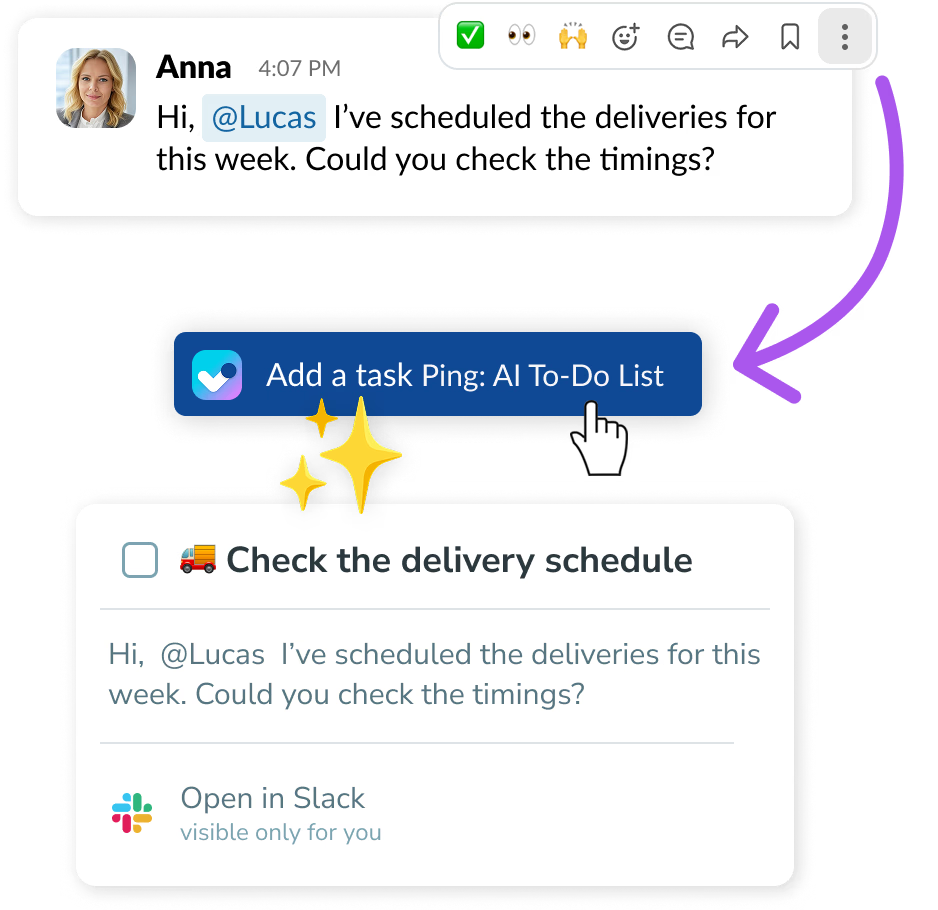
- Turn important Gmail and Slack messages into tasks instead of copying them by hand.
- Use projects for campaign dependencies and boards for the team’s delivery flow.
- Keep review and approval work visible so content does not stall in someone’s inbox.
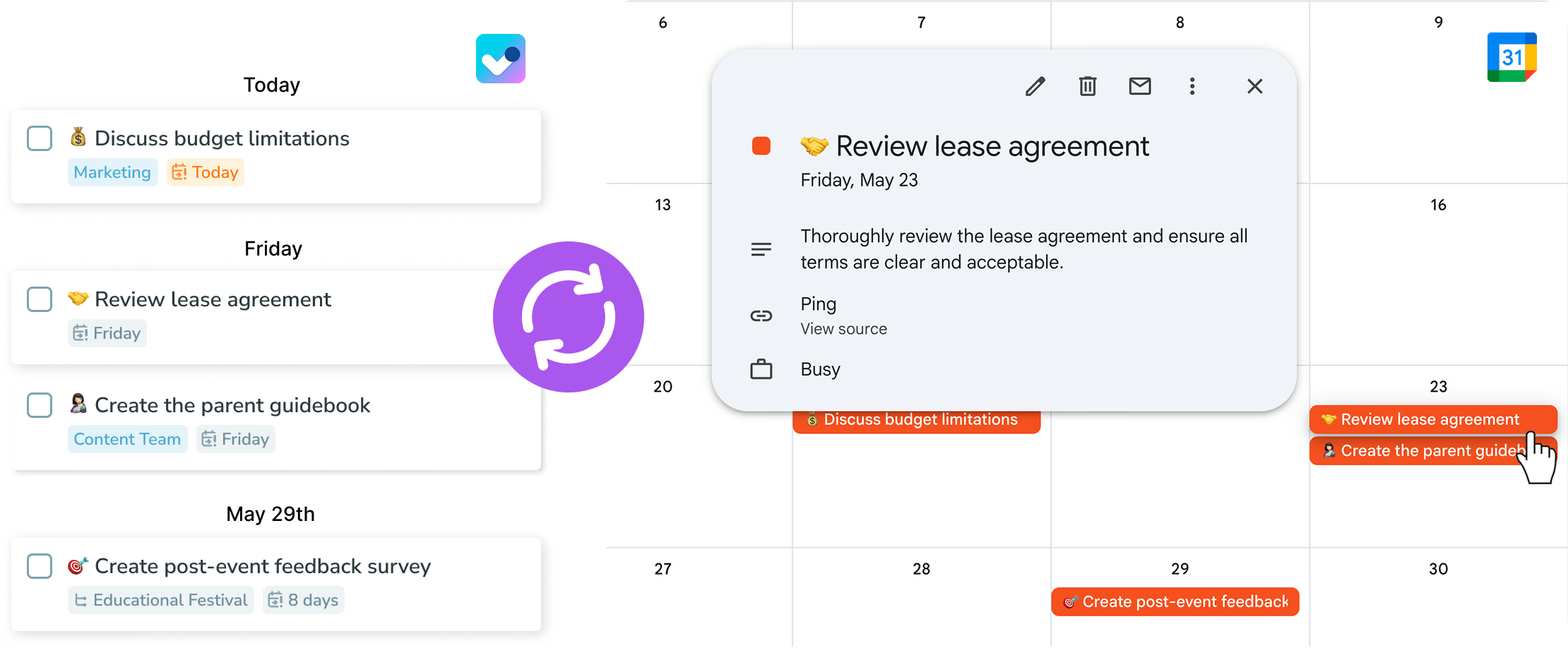
- See deadlines alongside calendar events and keep personal follow-ups private.
See Ping in action
Real Ping screens show how the workflow looks once requests, priorities, and team work are in one place.
One task manager, two planning modes
Everyone can work in the same product while choosing the amount of structure that fits their day.
Simple mode
Keep your tasks in one My tasks list when you want a clear next action without extra planning.
Advanced mode
Plan tasks for Today, This week, or Later when deadlines and periodic reviews matter.
From brief to approved deliverable
Marketing work often changes hands. Ping keeps the request, owner, blocker, and review state together.
Capture the brief
Star an actionable Gmail message, turn a Slack message into a task, or dictate the brief with title and deadline recognition.
Learn more →Plan the campaign
Use a project tree for dependencies such as copy, design, review, and launch, while the team works from a shared board.
Learn more →Review without chasing
Move finished work to For approval and use comments or mentions to make the requested change explicit.
Learn more →Keep the team’s day uncluttered
Ping supports both a quick list and a deeper planning view, so different working styles can use the same team workflow.
Simple mode for fast execution
Use one My tasks list for the next actions that matter today.
Learn more →Advanced mode for campaign deadlines
Review Today, This week, and Later to keep upcoming launches and follow-ups in view.
Learn more →Calendar context
See today’s events in Ping and send task deadlines back to the calendar.
Learn more →Explore Ping for marketing teams
Ready to get your team moving?
Capture work quickly, plan the next action, and keep progress visible.
Try Ping